
Device Access Restrictions: The IT Security Precaution You May Have Overlooked
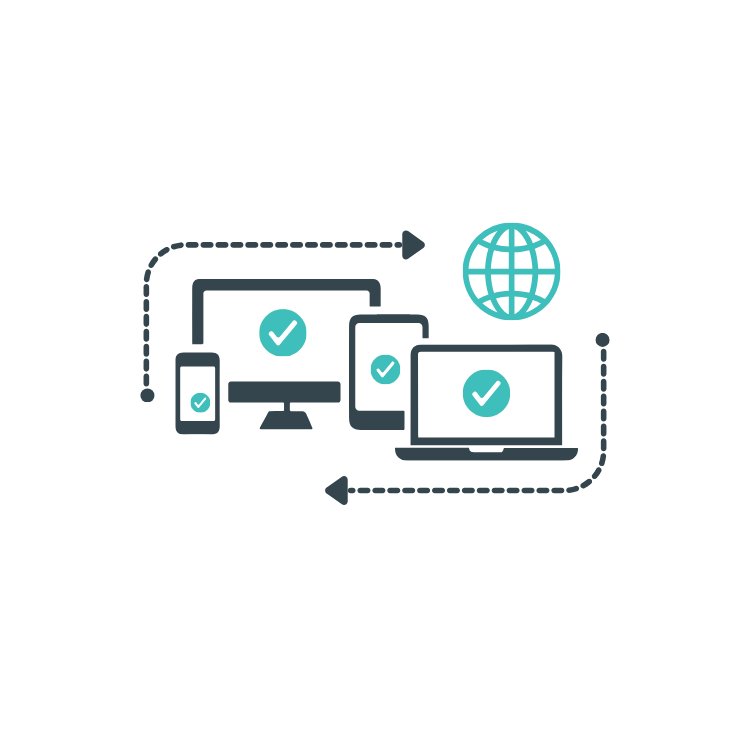
With remote working, cloud applications and personal devices now part of everyday business, controlling who can access your systems is only half the story. You also need to consider which devices are being used to access them. That’s where Device Access Restrictions (DAR) comes in.
What are Device Access Restrictions (DAR)?
Device Access Restrictions are security policies that control which devices can access your business applications, systems and data.
For example, you might allow employees to access Microsoft 365 from company-managed laptops, but block access from personal computers that don't meet your security requirements. You can also restrict access from devices that are missing important security updates, don't have the right protection in place or no longer meet your organisation's security standards.
The idea is simple: make sure your business data is only accessible from devices that you trust.
Why are Device Access Restrictions important?
1. Reduce the risk of unauthorised access
A stolen password shouldn't automatically give someone access to your business systems.
Device Access Restrictions add another layer of protection by checking whether the device being used is approved and meets your security requirements. Combined with Multi-Factor Authentication (MFA), this makes it much harder for unauthorised users to access company information, even if login details have been compromised.
2. Protect business data on personal devices
Employees often want to check email, access files or use business applications from their own phones and computers. While this can be convenient, personal devices may not have the same security controls as company-managed equipment. DAR policies can limit or block access from unmanaged devices, helping reduce the risk of sensitive information being downloaded, copied or stored somewhere it shouldn't be.
3. Keep devices up to date and secure
Outdated software and missing security updates can leave devices vulnerable to cyber threats. Device Access Restrictions can work alongside device management tools to check whether a device meets your security requirements before allowing access.
Depending on your setup, this may include requirements for operating system updates, endpoint protection, encryption and other security controls. If a device falls behind, access can be restricted until the issue is resolved.
4. Support remote and hybrid working
Your employees don't need to be sitting in the office for your business to stay secure.
Device Access Restrictions help apply consistent security rules whether someone is working from home, visiting a client or travelling. Instead of relying on where someone connects from, you can focus on whether their identity and device meet your security requirements. This helps your team work flexibly without leaving your business data unnecessarily exposed.
5. Reduce the impact of lost or stolen devices
A lost laptop or phone can create a serious security headache, particularly if it contains business emails, documents or access to cloud applications. Restricting access to approved devices, alongside encryption, device management and the ability to revoke access, can help reduce the risk.
If a device is lost or compromised, your IT team can take steps to block access and protect company information.
How do Device Access Restrictions work with Microsoft 365?
For businesses using Microsoft 365, you can use tools to help enforce device access policies. that could require employees to:
Use Multi-Factor Authentication when signing in;
Access sensitive applications only from approved or compliant devices;
Keep devices updated and protected by approved security software;
Meet specific security requirements before accessing company data.
The exact controls available depend on your Microsoft licences, device setup and security configuration.
Importantly, Device Access Restrictions aren't a standalone solution. They work best as part of a broader cybersecurity strategy that includes MFA, endpoint protection, patching, backups and employee security awareness.
Are Device Access Restrictions right for your business?
If your employees regularly work remotely, use Microsoft 365, access sensitive customer information or use personal devices for work, it's worth reviewing how your device access is managed.
Start by asking a few simple questions:
Can employees access company data from any device?
Do you know which devices are accessing your business systems?
Are personal and unmanaged devices subject to appropriate restrictions?
What happens if a device is lost, stolen or no longer meets your security requirements?
If you're unsure of the answers, there may be gaps worth addressing. Talk to the team at IT Strategic to see what they can do to help support your device access strategy for employees.